Export Transcripts: SRT, VTT, JSON, Markdown & DOCX
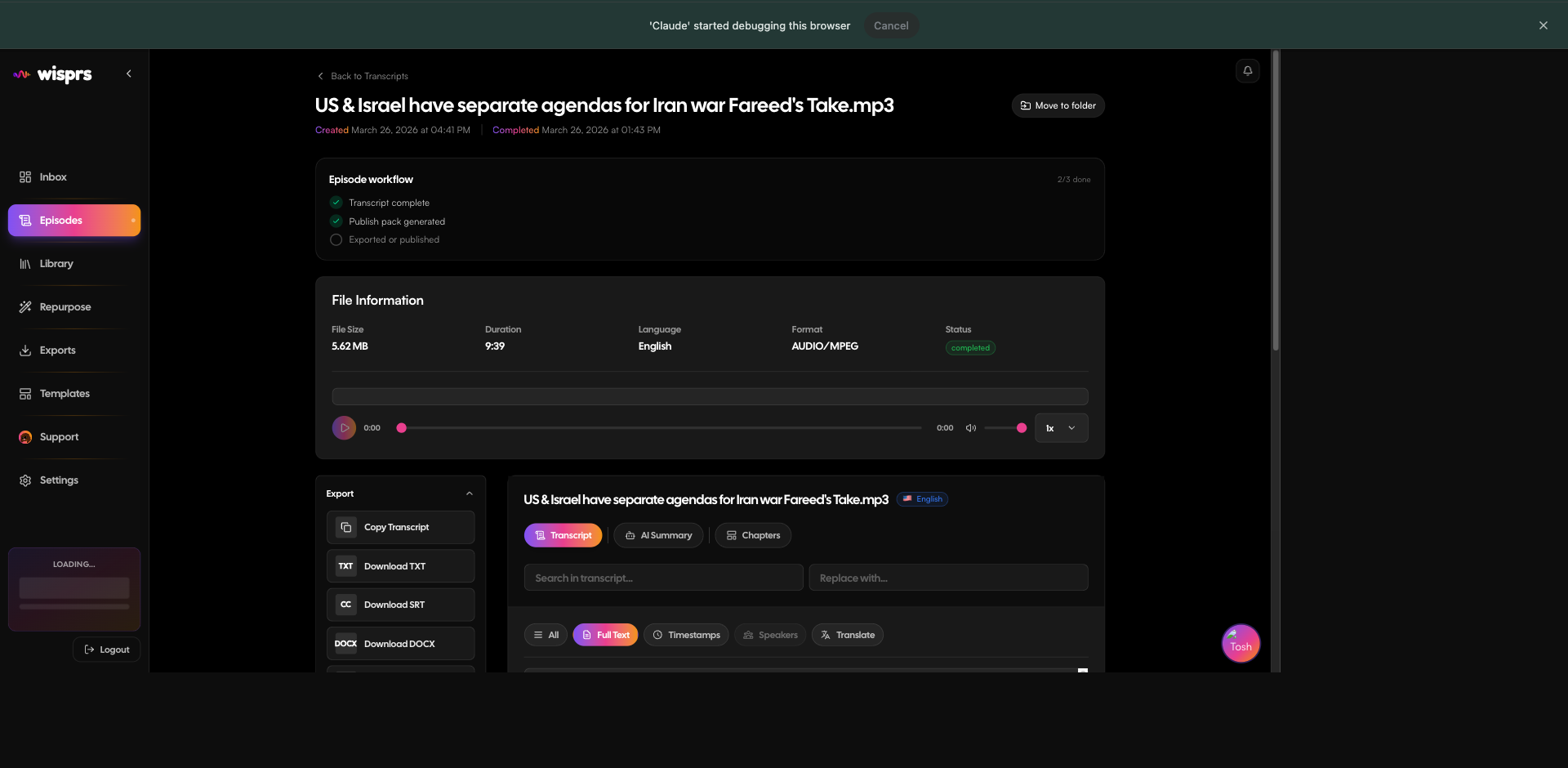
Once a transcription is complete, export it in any format with a single request. Six formats cover subtitle workflows, downstream processing, and content pipelines.
Endpoint
bash
GET /api/v1/transcriptions/{id}/export?format={format}
Scope: exports:read
Supported formats
| Format | MIME type | Use case |
|---|---|---|
| txt | text/plain | Raw transcript text, no timestamps |
| srt | text/plain | SubRip subtitles — YouTube, Premiere, DaVinci |
| vtt | text/vtt | WebVTT — HTML5 video, Notion, Loom |
| json | application/json | Timestamped words + segments for custom processing |
| md | text/markdown | Markdown with speaker labels and timestamps |
| docx | application/vnd.openxmlformats-officedocument... | Word document for editorial workflows |
SRT example
const srt = await client.transcriptions.export(99, { format: 'srt' });
// "1\n00:00:00,000 --> 00:00:03,240\nNever gonna give you up\n\n2\n..."
srt = client.transcriptions.export(99, format="srt")
# "1\n00:00:00,000 --> 00:00:03,240\nNever gonna give you up\n\n2\n..."curl "https://wisprs.co/api/v1/transcriptions/99/export?format=srt" \
-H "Authorization: Bearer sk_your_api_key" \
-o subtitles.srt
# Output (subtitles.srt):
# 1
# 00:00:00,000 --> 00:00:03,240
# Never gonna give you up
#
# 2
# 00:00:03,240 --> 00:00:06,480
# Never gonna let you downJSON (timestamped words)
The json format returns segments with word-level timestamps:
json
{
  "transcriptionId": 99,
  "language": "en",
  "durationSeconds": 212,
  "segments": [
    {
      "id": 0,
      "start": 0.0,
      "end": 3.24,
      "text": "Never gonna give you up",
      "speaker": "Speaker 1",
      "words": [
        {
          "word": "Never",
          "start": 0.0,
          "end": 0.4,
          "probability": 0.99
        },
        {
          "word": "gonna",
          "start": 0.4,
          "end": 0.72,
          "probability": 0.98
        }
      ]
    }
  ]
}
SDK usage
// Any format — returns raw string content
const srt = await client.transcriptions.export(99, { format: 'srt' });

// JSON format — returns parsed object with segments array
const json = await client.transcriptions.export(99, { format: 'json' });
# Any format — returns raw string content
srt = client.transcriptions.export(99, format="srt")
# JSON format — returns parsed dict with segments list
data = client.transcriptions.export(99, format="json")# Swap ?format=srt for any supported format
curl "https://wisprs.co/api/v1/transcriptions/99/export?format=vtt" \
-H "Authorization: Bearer sk_your_api_key" \
-o captions.vttNotes
- Speaker labels in
jsonandmdare only available on plans that include speaker diarization (Pro and above). Free-tier transcripts omit speaker fields. docxincludes a cover page with the source URL, language, and duration.- Exports are generated on demand — not pre-stored. Each call re-renders the format from the stored segment data.
FAQ
Can I export multiple formats from the same transcript?
Yes. Each export call is independent — you can call the endpoint as many times as you need, with different format values. There's no extra charge per export call.
Do SRT and VTT files include speaker names?
No. SRT and VTT only contain timecodes and text. Speaker labels are available in the json and md formats on Pro plans and above.
How are word-level timestamps structured in the JSON export?
The json export returns a segments array. Each segment has start, end, text, and a nested words array with per-word start, end, and confidence scores.