Async Transcription Jobs: Submit, Poll, and Receive Results
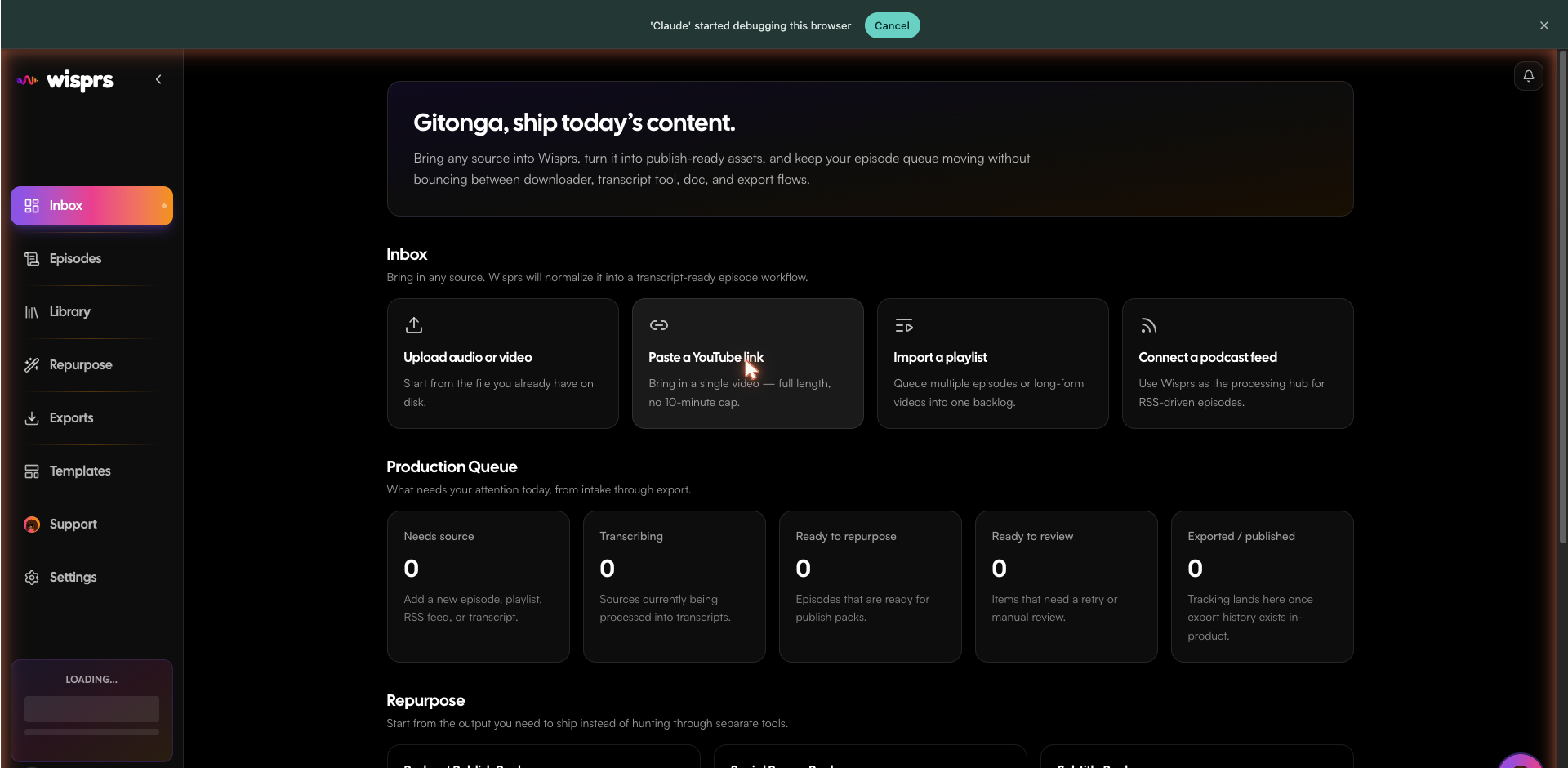
Every transcription in Wisprs is an async job. Submit a URL or file, receive a jobId immediately, then poll for status or configure a webhook to be notified on completion.
Submit a URL
Send a YouTube link, TikTok URL, podcast feed, or any direct audio/video URL:
import { WisprsClient } from '@wisprs/sdk';

const client = new WisprsClient({ apiKey: process.env.WISPRS_API_KEY! });

const job = await client.transcriptions.create({
  source: { url: 'https://youtube.com/watch?v=dQw4w9WgXcQ' },
  language: 'en',
});

console.log(job.id); // → 42
import os
from wisprs import WisprsClient
client = WisprsClient(api_key=os.environ["WISPRS_API_KEY"])
job = client.transcriptions.create(
source={"url": "https://youtube.com/watch?v=dQw4w9WgXcQ"},
language="en",
)
print(job.id) # → 42curl -X POST https://wisprs.co/api/v1/media/ingest \
-H "Authorization: Bearer sk_your_api_key" \
-H "Content-Type: application/json" \
-d '{
"url": "https://youtube.com/watch?v=dQw4w9WgXcQ",
"language": "en"
}'{
"success": true,
"data": {
"jobId": 42,
"status": "queued"
}
}
Job status lifecycle
Poll GET /api/v1/jobs/{id} to check progress:
const result = await client.jobs.wait(job.id); // polls every 2s, 2m timeout
console.log(result.transcriptText);
result = client.jobs.wait(job.id) # polls every 2s, raises on timeout
print(result.transcript_text)curl https://wisprs.co/api/v1/jobs/42 \
-H "Authorization: Bearer sk_your_api_key"{
"success": true,
"data": {
"id": 42,
"status": "completed",
"progress": 100,
"transcriptText": "Welcome to the interview...",
"failure": null,
"retryCount": 0,
"retryable": false,
"webhooks": { "pending": 0, "delivered": 1, "failed": 0 },
"updatedAt": "2026-06-17T10:00:14.000Z"
}
}Status values
pending— waiting for intake or a processing slotprocessing— transcribing your audiocompleted— transcript is ready intranscriptTextfailed— seefailure.codeandfailure.message; retry withPOST /api/v1/jobs/{id}/retrywhile source media remains available
Retrieve the transcript
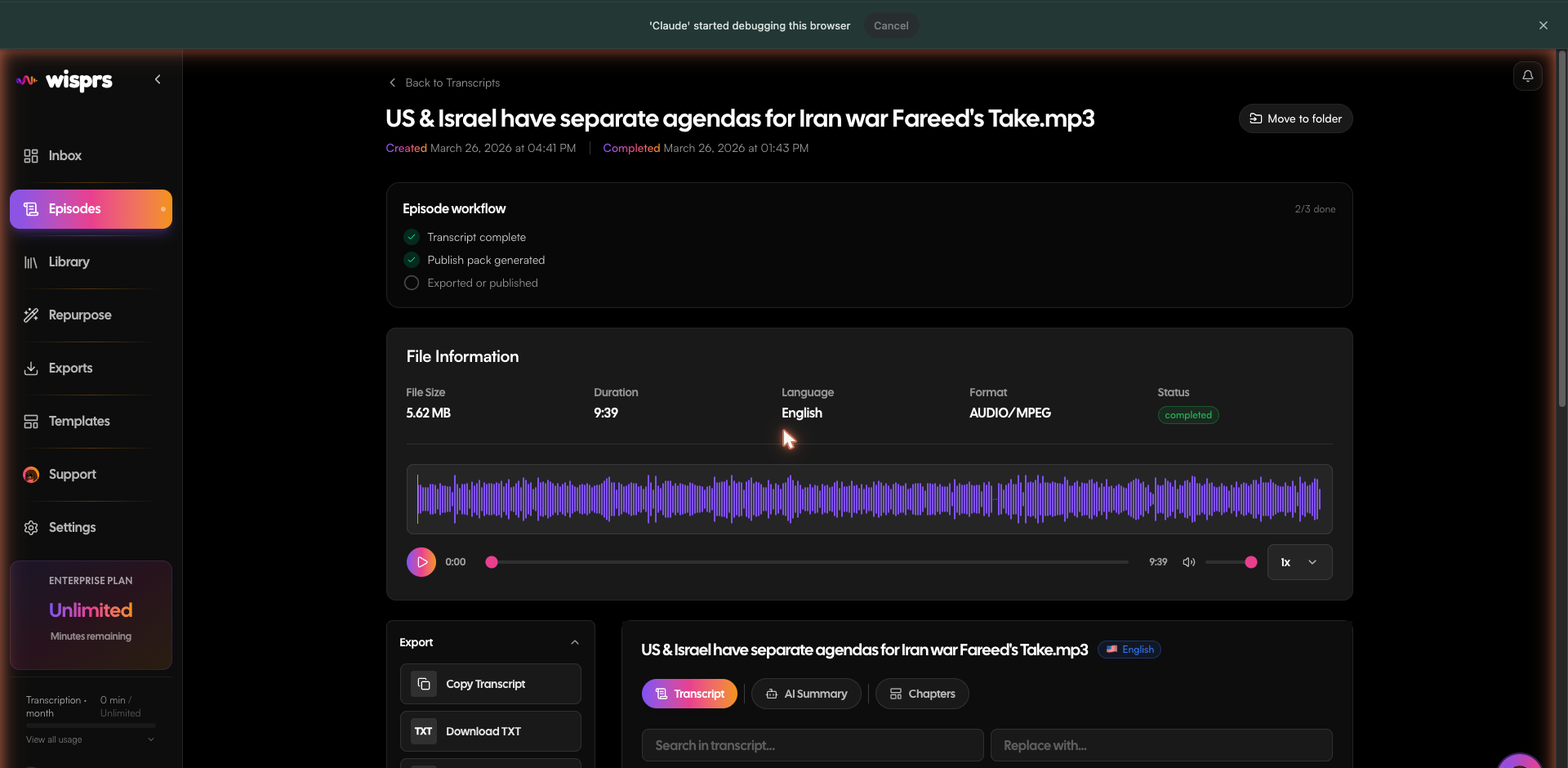
const transcription = await client.transcriptions.get(99);
console.log(transcription.transcriptText);
transcription = client.transcriptions.get(99)
print(transcription.transcript_text)curl https://wisprs.co/api/v1/transcriptions/99 \
-H "Authorization: Bearer sk_your_api_key"{
"success": true,
"data": {
"id": 99,
"status": "completed",
"transcriptText": "Never gonna give you up...",
"language": "en",
"duration": 212,
"speakerCount": 1,
"createdAt": "2026-06-17T10:00:14.000Z"
}
}
Quality setting
Use options.sttQuality to trade off speed vs accuracy:
fast— lowest latency, suitable for short clips and draftsbalanced— default. Good accuracy for most contentaccurate— highest accuracy, slower. Recommended for dense technical or multilingual content
const job = await client.transcriptions.create({
  source: { url: 'https://youtube.com/watch?v=dQw4w9WgXcQ' },
  language: 'en',
  options: { sttQuality: 'accurate' },
});
job = client.transcriptions.create(
source={"url": "https://youtube.com/watch?v=dQw4w9WgXcQ"},
language="en",
options={"sttQuality": "accurate"},
)curl -X POST https://wisprs.co/api/v1/media/ingest \
-H "Authorization: Bearer sk_your_api_key" \
-H "Content-Type: application/json" \
-d '{
"url": "https://youtube.com/watch?v=dQw4w9WgXcQ",
"language": "en",
"options": { "sttQuality": "accurate" }
}'Speaker diarization
Speaker diarization — identifying who said what — is automatically enabled on Pro plans and above. No configuration needed: when diarization is available for your plan, the transcript will include speaker labels in the json and md export formats.
Retry a failed job
// Re-downloads URL sources or requeues stored audio; limit is 3 retries
await client.jobs.retry(42);
# Re-downloads URL sources or requeues stored audio; limit is 3 retries
client.jobs.retry(42)curl -X POST https://wisprs.co/api/v1/jobs/42/retry \
-H "Authorization: Bearer sk_your_api_key"Tip: For high volume, set up a webhook endpoint instead of polling. See the Webhooks guide.
FAQ
How long do transcription jobs take?
Most jobs complete in a fraction of the audio duration. Short clips (under 5 minutes) typically complete in under a minute. Processing time may be higher during peak load.
What happens if a job fails?
The status response includes a safe failure.code and failure.message. If retryable is true, call the retry endpoint; it supports up to three attempts while the source is available.
Can I cancel a job?
Jobs can be cancelled from the Wisprs dashboard. The public API does not currently expose job cancellation.