Wisprs vs Descript
Wisprs vs Descript: transcription-first (30 min/day free, plans from $25/mo, 100+ languages) vs a text-based media editor from $16/mo with 25 languages.

Wisprs
Transcription first. Files in, clean transcripts out.

All-in-one podcast and video editor: edit media by editing the transcript.
Switching from Descript? Try Wisprs on one real file
Clean transcripts with speaker labels in minutes. Export TXT, SRT, VTT, DOCX. 100+ languages.
30 minutes a day free. No credit card. Cancel anytime.
Trustpilot 3.0/5 across 262 reviews, polarized at roughly 41% five-star and 39% one-star, with reliability and pricing-change friction the recurring lows.
“AI-features are based on credits that are consumed very fast”— Trustpilot
Competitor ratings are from third-party review sites and reflect scores at the time of writing; they change over time. G2 (4.6/865) and Trustpilot (3.0/262) from SERP snippets (pages bot-gated), Capterra (4.6/183) fetched directly, plus Reddit threads and 2026 review roundups, captured 2026-06-30. Confirm live rates on descript.com/pricing.
Wisprs vs Descript: feature comparison
| Capability |  Descript Descript |  WisprsRecommended WisprsRecommended |
|---|---|---|
| Pricing model | Per-seat editor plans metered in media hours plus AI credits and paid top-ups | Flat minute buckets: Pro $25/mo (1,000 min), Studio $79 (3,000), Agency $149 (5,000) |
| Entry paid price | Hobbyist $16/mo annual ($24 monthly), 10 media hrs | Pro $25/mo (1,000 min) |
| Free tier | 1 hr of media a month, 100 one-time AI credits | 30 min/day free (no card) |
| Accuracy | Solid on clean audio; speaker quality varies on overlap and accents | Excellent on clear audio; varies by accent, language and recording quality |
| Languages | ~25, Latin-script only (Hindi in beta) | 100+ languages with auto-detect |
| Speaker labels | Speaker labels; quality varies on overlap | Speaker labels on paid plans |
| Exports | Finished media files and captions from the editor | TXT, SRT, VTT, DOCX (plus Markdown and JSON) |
| File upload workflow | Desktop/web editor project per file; crashes reported on long projects | Server-side upload and queue; no heavy desktop app |
| Meeting bot | No (screen and remote recording instead) | No bot; record, then upload |
| Editing and repurposing | Full timeline editing, Overdub, Studio Sound, clip generation | Transcript editing, summaries and chapters, subtitle exports; not a video editor |
Why teams switch from Descript
Recurring themes from public reviews and community threads — paraphrased, with sources. Your mileage will vary; this is what users most often cite.
Crashes, freezes and lag on big projects
The most-cited pain: the app stutters, freezes or crashes on long or large projects, interrupting edits and exports.
“I froze twice trying to make a 60-second clip”— Reddit user
Reported on Reddit, Trustpilot, G2
AI credits burn too fast
The media-minutes plus AI-credits plus top-ups model is widely disliked; heavy AI use exhausts the monthly pool quickly and makes cost unpredictable.
“AI-features are based on credits that are consumed very fast”— Trustpilot
Reported on Trustpilot, Reddit, review roundups
Only ~25 languages, Latin-script only
No Chinese, Japanese, Russian, Arabic or other non-Latin scripts; several features are English-only and non-English quality is weaker.
Reported on Descript Help, feature-request board, review roundups
Learning curve and unannounced changes
Text-first editing is a mental rewire for traditional editors, and long-time users report changes shipped without notice plus slow, generic support.
“constant updates... without any notice”— Trustpilot
Reported on Trustpilot, review roundups
Choose Descript if you want to edit audio and video by editing text, it is an all-in-one editor with multitrack timelines, filler-word removal, AI voices, and screen recording. Choose Wisprs if your goal is the transcript itself and what comes after it: summaries, subtitles, searchable archives, and publish-ready content in 100+ languages. Descript is a production tool; Wisprs is a transcription-and-content platform. Picking the wrong one means either paying for an editing suite you will not use, or forcing a content workflow through a video editor.
At a glance
Both tools transcribe, but the transcript means something different in each.
- In Descript, the transcript is an editing interface, you cut media by cutting words.
- In Wisprs, the transcript is the deliverable, text you summarize, translate, export, and publish.
- Descript optimizes the finished edit; Wisprs optimizes everything you do with the words.
See the difference on your own audio
Upload a file, get a transcript with speaker labels, and export it. Free for 30 minutes a day.
30 minutes a day free. No credit card. Cancel anytime.
What Descript is built for
Descript is a strong creative tool for people producing finished video and podcasts. Its signature feature is text-based editing: edit the transcript and the media updates to match. It adds Overdub/AI voices, one-click filler-word removal, Studio Sound, screen and remote recording, and the Underlord AI assistant for clips and show notes.
Where Descript is the strong pick:
- Editing podcasts or videos where you want to cut and rearrange by text
- Creators who want recording, editing, and AI cleanup in one app
- Producing polished, published media end to end
Its trade-offs: it is a heavier editing suite with a learning curve, transcription is a means rather than the product, media-hour and AI-credit caps make high-volume transcription expensive, and projects live in Descript's cloud. If you just need accurate transcripts and content, you are paying for an editor you will barely touch.
Where Wisprs is different
Wisprs is built for the case where the words matter more than the timeline. Upload a file, get an accurate transcript, then generate summaries, chapters, and action points, and export wherever you need.
- Output is the asset, not the edit. Transcripts become articles, show notes, and SEO/AI-readable content.
- Breadth: 100+ languages with auto-detect and translation, versus Descript's narrower transcription language set.
- Volume economics for searchable archives, instead of metered media-hours and AI credits gating an editor.
- Privacy by default: audio is not stored unless you opt in.
Feature by feature
Core job
Wisprs: Accurate transcripts plus summaries, chapters, and exports for publishing. Descript: Text-based audio/video editing for finished media.
Editing
Wisprs: In-app transcript editing and speaker-label cleanup. Descript: Full multitrack audio/video editing, filler removal, AI voices, screen recording.
Languages
Wisprs: 100+ languages with translation. Descript: A smaller transcription language set (broader for AI voices/dubbing).
Outputs
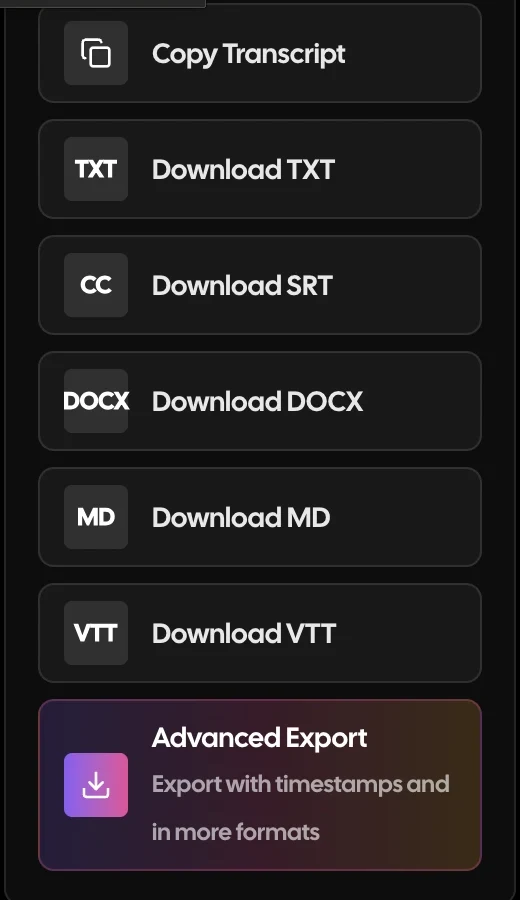
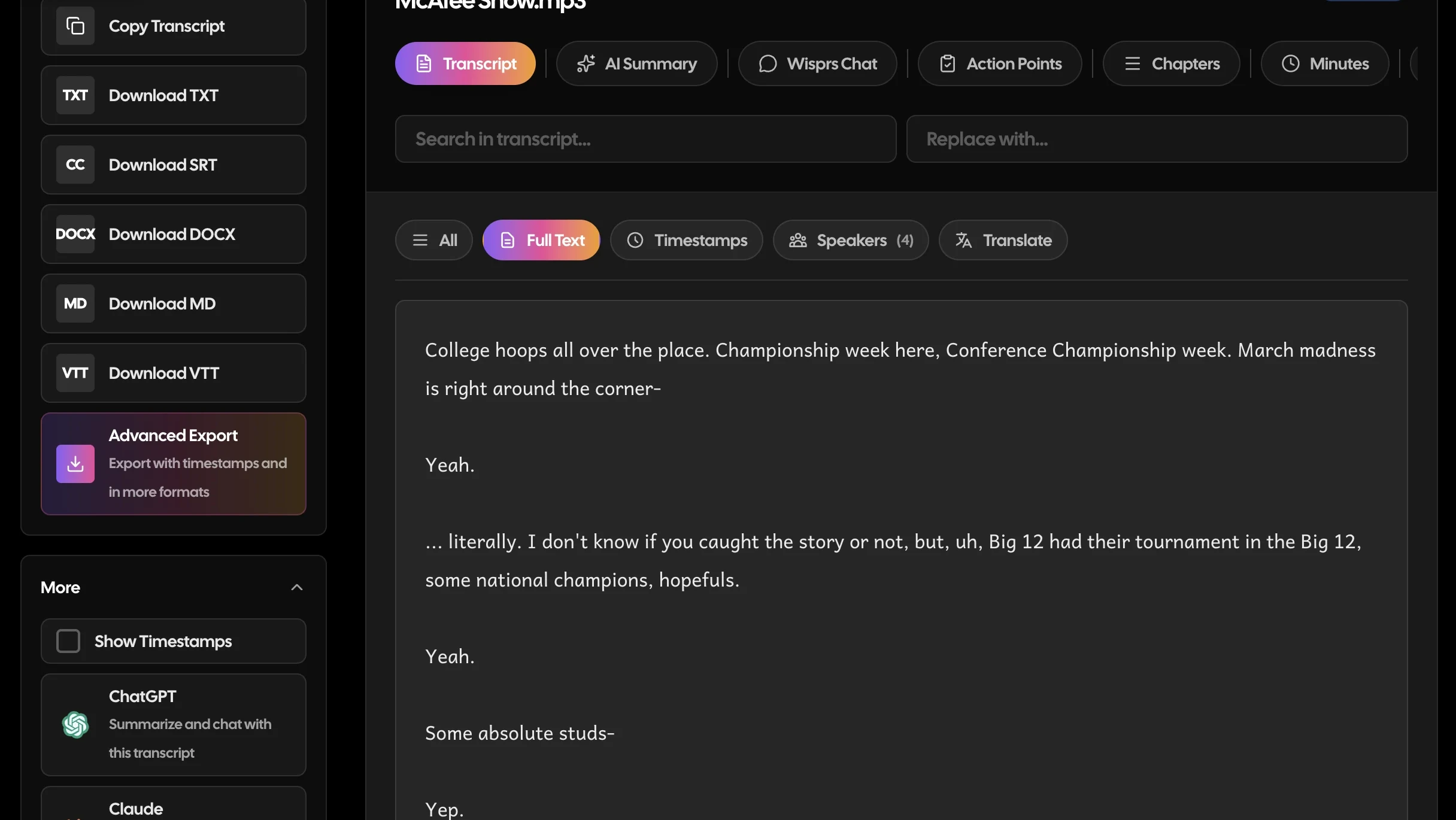
Wisprs: TXT, SRT, VTT, DOCX, Markdown, and JSON (word-level timestamps, speakers, chapters); AI summaries and topics on paid plans. Descript: Exported media files and captions from the editor.
Pricing model
Wisprs: Minute-based plans from a free tier up to team plans with batch processing and API access. See pricing. Descript: Per-seat editor plans with media-hour and AI-credit limits.
Who should choose Descript
- You edit podcasts or video and want to cut by text
- You want recording, editing, and AI cleanup in one app
- The transcript is a step toward a finished edit
Who should choose Wisprs
- The transcript and its content are the deliverable
- You need many languages, structured exports, or searchable archives
- You repurpose recordings into articles, show notes, or subtitles at volume
Pricing at a glance (2026)
Prices are directional as of 2026: confirm current rates on each vendor's site.
Descript's tiers buy a full editor metered in media hours and AI credits, with paid top-ups when you run out; Wisprs spends the same budget on transcription volume and content output rather than a timeline you may not use. Current rates are on the Descript pricing page; Descript holds a 4.6/5 on G2 across 865 reviews, while its Trustpilot score (3.0/5) reflects reliability and pricing-change complaints. Wisprs plans are on the pricing page, and the free audio to text tool is a quick way to check accuracy on your own audio.
Bottom line
Descript is the better tool if you are producing and editing media. Wisprs is the better tool if you are producing content from media, transcripts, summaries, subtitles, and searchable text across 100+ languages. Many teams even use both: Descript to edit the episode, Wisprs to turn it into everything else. Compare the feature list and pricing to decide, or see more Descript alternatives.
Descript vs Wisprs: the verdict
Both are solid tools that serve different jobs. Here is the quick version.
Choose Descript if you
- You edit podcasts or video by cutting and rearranging text
- You want recording, editing, filler-word removal and AI voices in one app
- The transcript is a step toward a finished episode, not the deliverable
- You want the cheaper entry price for light use (Hobbyist from $16/mo annual)
- You collaborate on edits with timestamped comments inside a project
Choose Wisprs if you
- The transcript itself, and what you publish from it, is the deliverable
- You need 100+ languages including non-Latin scripts
- You want flat, predictable minute pricing instead of media hours plus AI credits
- You transcribe long files and do not want a desktop editor to freeze mid-project
- You need speaker labels and clean TXT, SRT, VTT or DOCX exports, and want to start free (30 min a day, no card)
How to switch from Descript to Wisprs
Takes a few minutes. Nothing to install, no downtime.
In Descript, open each project and use Publish or Export to save the transcript (TXT, DOCX or SRT) and export the media file if you need it outside Descript.
Create a free Wisprs account: 30 minutes of transcription a day, no credit card.
Upload the audio or video; Wisprs transcribes server-side, auto-detects the language and, on paid plans, adds speaker labels.
Clean up the transcript, then export TXT, SRT, VTT or DOCX for show notes, captions or your CMS. Keep Descript for the edit if you still cut by text.
Still comparing? Test it, no card needed
30 free minutes a day covers an interview or a podcast episode.
30 minutes a day free. No credit card. Cancel anytime.
Frequently asked questions
Is Descript better than Wisprs?
For editing audio and video by editing text, Descript is purpose-built and excellent. For accurate transcripts that become summaries, subtitles, and multilingual content, Wisprs is the better fit. They solve different problems.
Can Wisprs edit audio or video like Descript?
No, Wisprs is not a media editor. It focuses on accurate transcripts and turning them into content. If you need timeline editing, filler-word removal, or AI voices, use Descript (or pair the two).
Which is cheaper for lots of transcription?
Wisprs is designed around minute-based plans for transcription volume, while Descript meters media-hours and AI credits inside an editor. For high transcription volume without editing, Wisprs is usually the better value, check pricing.
How much does Wisprs cost compared to Descript?
Descript Hobbyist is $16 a month billed annually ($24 monthly) for 10 media hours, Creator $24 ($35 monthly) for 30 hours, and Business $50 ($65 monthly) for 40 hours, each with a pool of AI credits and paid top-ups. Wisprs Pro is $25 a month for 1,000 minutes, Studio $79 for 3,000 and Agency $149 for 5,000, with no credit system. Descript is cheaper to start; Wisprs is more predictable at transcription volume. Confirm on both pricing pages.
Which has the better free plan, Wisprs or Descript?
Descript's free plan includes one hour of media a month plus 100 one-time AI credits, in 25 languages. Wisprs gives 30 minutes of transcription every day with no credit card, in 100+ languages. If you only need transcripts, Wisprs offers many more free minutes over a month; if you want to try text-based editing, Descript's free hour is the right test.
Is Wisprs more accurate than Descript?
Both do well on clean, single-speaker audio, and neither is perfect on crosstalk or heavy accents. Wisprs is excellent on clear audio and varies by accent, language and recording quality; on paid plans it uses ElevenLabs Scribe with speaker labels. Descript users report weaker results outside English and on overlapping speakers. Run the same file through both before deciding.
Which supports more languages, Wisprs or Descript?
Wisprs supports 100+ languages with automatic detection, including non-Latin scripts. Descript transcribes about 25 languages, Latin-script only (Hindi in beta), with several features English-only. For Chinese, Japanese, Arabic, Russian or mixed-language recordings, Wisprs is the workable choice.
How do I switch from Descript to Wisprs?
Export the transcripts you want to keep from each Descript project (TXT, DOCX or SRT) and save the media files locally, then sign up for Wisprs free, upload the audio or video, and export TXT, SRT, VTT or DOCX from the editor. Nothing needs to be imported. Many creators keep Descript for the edit and move transcription, show notes and captions to Wisprs.
Can I cancel Wisprs or get a refund?
Yes. Cancel any time from your account settings and keep access until the end of your billing period, with no cancellation fee. Wisprs paid plans also carry a 30-day money-back guarantee. Descript reviewers on Trustpilot mention pricing-model changes shipped without notice, so it is worth reading its current terms too.
Does either tool use a meeting bot?
No. Descript records via its own screen and remote recorder; Wisprs is file-first and works from uploads. Neither sends a bot into your calls. If live in-meeting notes are the goal, neither is the right tool; if you record then process, both work, and Wisprs is the lighter transcription-only path.
Which is better for podcasters, researchers or teams?
Podcasters who edit by text will get more from Descript; podcasters who just need transcripts, show notes and captions will spend less time in Wisprs. Researchers and multilingual teams generally choose Wisprs for speaker labels, 100+ languages and DOCX exports. See the Descript alternatives roundup for adjacent tools and the Wisprs features page for the full workflow.
Compare Wisprs to other tools
 ComparisonWisprs vs Happy Scribe
 ComparisonWisprs vs Sonix
 ComparisonWisprs vs Scribie
 ComparisonWisprs vs Otter AI
 ComparisonWisprs vs DeepgramPricingFree tier, Pro, Studio, Agency.All featuresSpeaker ID, exports, 100+ languages.Free audio to textTry one file, no account.
Looking for a Descript alternative that just transcribes?
Upload audio or video, get clean transcripts with speaker labels in minutes, and export to TXT, SRT, VTT, or DOCX. Plans from $20/mo billed annually when you need more.
30 minutes a day free. No credit card. Cancel anytime.