Wisprs vs Rev
Wisprs vs Rev: self-serve AI transcription (30 min/day free, plans from $25/mo, 100+ languages) vs Rev human transcripts from $1.50/min and AI at $0.25/min.

Wisprs
Transcription first. Files in, clean transcripts out.

Human-grade transcription and captions on demand, plus an AI tier and developer API.
Switching from Rev? Try Wisprs on one real file
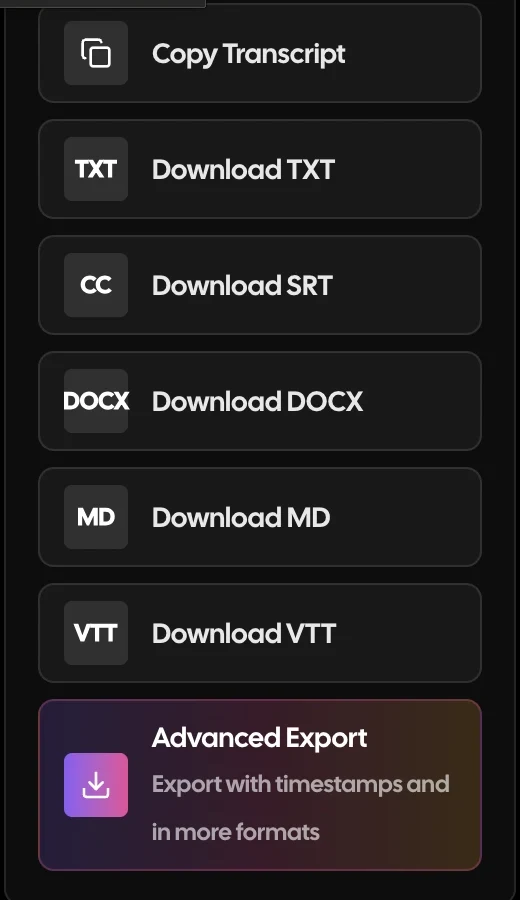
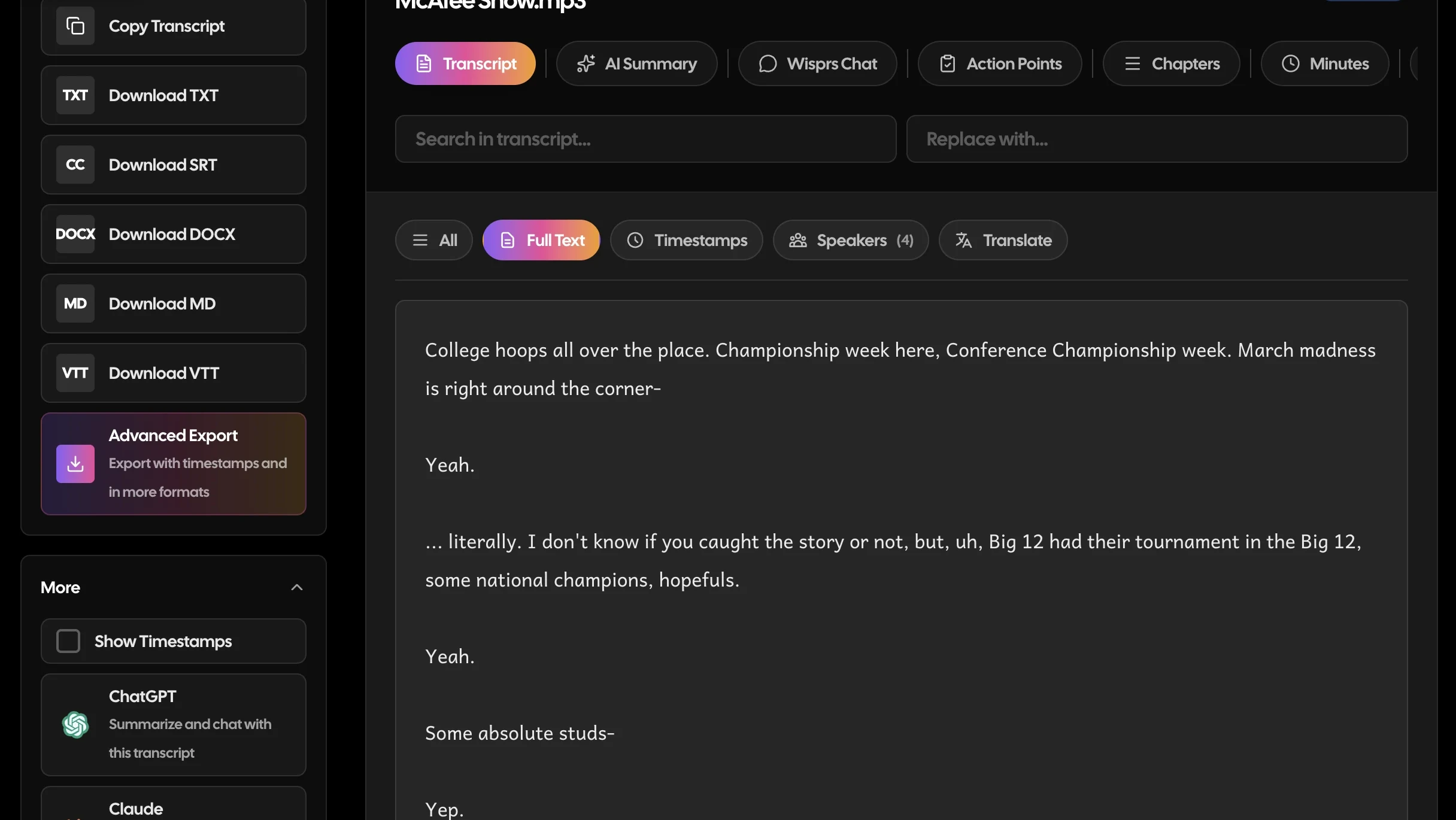
Clean transcripts with speaker labels in minutes. Export TXT, SRT, VTT, DOCX. 100+ languages.
30 minutes a day free. No credit card. Cancel anytime.
The customer side is strong (G2 4.7/560, Capterra 4.6/51), but the worker side rates pay just 2.7/5 (Glassdoor, 140 reviews), and buyers link that to declining transcript quality.
“They expect the highest standards with terrible pay”— Glassdoor transcriptionist
Competitor ratings are from third-party review sites and reflect scores at the time of writing; they change over time. G2 (4.7/560, from a SERP snippet, page bot-gated), Capterra (4.6/51, fetched directly), Glassdoor transcriptionist reviews (140) plus Trustpilot and 2026 review roundups, captured 2026-06-30. Confirm live rates on rev.com/pricing.
Wisprs vs Rev: feature comparison
| Capability |  Rev Rev |  WisprsRecommended WisprsRecommended |
|---|---|---|
| Pricing model | Per minute (AI $0.25/min, human $1.50-2.50/min) or per-seat subscriptions | Flat minute buckets: Pro $25/mo (1,000 min), Studio $79 (3,000), Agency $149 (5,000) |
| Entry paid price | Essentials $25.49/seat/mo annual (5,000 AI min) | Pro $25/mo (1,000 min) |
| Free tier | 45 AI min/mo, English only | 30 min/day free (no card) |
| Accuracy | Human tier ~99% on hard audio; AI tier dips on accents and overlap | Excellent on clear audio; varies by accent, language and recording quality. Not human-certified |
| Languages | Free English only; Essentials EN+ES; Pro 37+ | 100+ languages with auto-detect |
| Speaker labels | AI diarization dips on accents and overlap; human tier better | Speaker labels on paid plans |
| Exports | TXT, DOCX, SRT, VTT and more per order | TXT, SRT, VTT, DOCX (plus Markdown and JSON) |
| File upload workflow | Order form per file or batch; human jobs enter a queue | Self-serve upload; no order form |
| Meeting bot | Yes: Rev AI notetaker product | No bot; record, then upload |
| Turnaround | AI in minutes; human ~24 hours average, rush 1 hour, not guaranteed | A few minutes after upload |
Why teams switch from Rev
Recurring themes from public reviews and community threads — paraphrased, with sources. Your mileage will vary; this is what users most often cite.
Accuracy dips on hard audio (AI tier)
Multi-speaker recordings, accents and background noise degrade the AI tier; users say only the pricier human tier reliably captures everything.
Reported on G2, Trustpilot, review roundups
Inconsistent human-transcriber quality
Human output is uneven, with careless errors that reviewers tie to freelancer pay cuts hurting the work.
“They expect the highest standards with terrible pay”— Glassdoor transcriptionist
Reported on Trustpilot, Glassdoor
Refunds and cancellation are hard
Cancelling orders and getting refunds is described as nearly impossible; some pay for redo work while still chasing a refund.
Reported on Trustpilot, review roundups
Turnaround is an average, not a guarantee
Quoted human turnaround times (such as 24 hours) are averages and slip with freelancer workload swings.
Reported on Rev help center, Glassdoor
Choose Rev if you need human-reviewed transcripts or compliant captions where accuracy is non-negotiable, legal, broadcast, or accessibility work. Choose Wisprs if you want fast, self-serve AI transcription that flows straight into summaries, subtitles, and publish-ready content across 100+ languages. Rev is a transcription service (human or AI, ordered per minute); Wisprs is a self-serve product where the transcript is the start of a content workflow. The decision comes down to certified accuracy versus speed, scale, and downstream content.
At a glance
- Rev offers human transcription (very high accuracy, slower) and an AI option, plus captions and subtitles, as a service.
- Wisprs is a self-serve platform: instant AI transcripts that become summaries, subtitles, and content.
- Rev sells accuracy-on-demand; Wisprs sells speed, scale, and content operations.
See the difference on your own audio
Upload a file, get a transcript with speaker labels, and export it. Free for 30 minutes a day.
30 minutes a day free. No credit card. Cancel anytime.
What Rev is built for
Rev is a well-known transcription and captioning service. Its human transcription targets about 99% accuracy on most content with a turnaround measured in hours, and it also offers faster AI transcription, FCC/ADA-compliant captions, and human-translated subtitles. There is an app, an API, and an AI notetaker product.
Where Rev is the strong pick:
- Legal, medical, or broadcast work that needs certified, human-grade accuracy
- Compliant captions and professionally translated subtitles
- One-off jobs where you would rather order a transcript than run a workflow
Its trade-offs: human transcription is comparatively expensive and slow, human transcription and captions are English-centric, and the model is a service you order from rather than a content platform. The AI features feel layered onto a transcription-service core.
Where Wisprs is different
Wisprs is a product you operate, not a service you order, and it does not stop at the transcript.
- Instant, self-serve AI transcripts from modern engines, not a queue.
- Content out of the box: summaries, chapters, action points, subtitles, and searchable archives.
- 100+ languages with auto-detect and translation, self-serve.
- Privacy by default: audio is not stored unless you opt in.
Feature by feature
Accuracy model
Wisprs: High-accuracy AI transcription (ElevenLabs Scribe on paid plans); excellent on clear audio, not human-certified. Rev: Human transcription for top accuracy (~99%, hours of turnaround), plus a faster AI option.
Speed
Wisprs: Minutes, self-serve, on demand. Rev: AI is fast; human transcription takes hours.
Languages
Wisprs: 100+ languages with translation, self-serve. Rev: AI covers many languages; human transcription and captions are English-centric.
After the transcript
Wisprs: Summaries, chapters, topics, subtitles, and exports (TXT, SRT, VTT, DOCX, Markdown, JSON) in one place. Rev: Transcript or caption delivery, plus an AI notetaker; less of an all-in-one content workflow.
Model
Wisprs: Self-serve platform with minute-based plans and an API. See pricing. Rev: Service/marketplace billed per minute, with subscription options.
Who should choose Rev
- You need certified, human-grade accuracy
- You need FCC/ADA-compliant captions or professionally translated subtitles
- You prefer ordering a finished transcript over running a tool
Who should choose Wisprs
- You want instant, self-serve transcripts at lower cost
- You repurpose recordings into content and subtitles
- You work across many languages or at volume
Pricing at a glance (2026)
Prices are directional as of 2026: confirm current rates on each vendor's site.
Rev sells certified, human-grade accuracy by the minute; Wisprs sells fast self-serve AI transcripts that turn straight into multilingual content at a flat monthly rate. Current Rev rates are on the Rev pricing page; Rev holds a 4.7/5 on G2 across 560 reviews, and its worker-side Glassdoor reviews are where the pay-versus-quality complaints show up. Wisprs plans are on the pricing page, and you can run a short file through the free audio to text tool before signing up.
Bottom line
If accuracy must be certified and human-checked, Rev is the safer choice. If you want speed, scale, 100+ languages, and transcripts that turn directly into content, Wisprs is the better fit, and the free tier lets you test it on your own audio before committing. Compare pricing and features, or browse more Rev alternatives.
Rev vs Wisprs: the verdict
Both are solid tools that serve different jobs. Here is the quick version.
Choose Rev if you
- You need human-verified, near-verbatim transcripts for legal, medical or broadcast work
- You need FCC/ADA-compliant captions or professionally translated subtitles
- You would rather order a finished transcript than run a tool yourself
- You want a large bundle of AI minutes per seat (Essentials includes 5,000 a month)
- You need a developer API with usage-based pricing
Choose Wisprs if you
- You want transcripts in minutes, not hours, with no order form or queue
- You want predictable flat pricing instead of per-minute human charges that stack
- You work in more than English and Spanish and need 100+ languages
- You need speaker labels and TXT, SRT, VTT or DOCX exports for publishing
- You want to try it on your own audio free (30 minutes a day, no card) before paying
How to switch from Rev to Wisprs
Takes a few minutes. Nothing to install, no downtime.
In Rev, open My Files, select your completed transcripts and use Download to save them (TXT, DOCX or SRT), along with any source media you still need.
Create a free Wisprs account: 30 minutes of transcription a day, no credit card.
Upload your audio or video files; Wisprs auto-detects the language and, on paid plans, adds speaker labels.
Review the transcript in the editor, then export TXT, SRT, VTT or DOCX for captions, documents or your CMS.
Still comparing? Test it, no card needed
30 free minutes a day covers an interview or a podcast episode.
30 minutes a day free. No credit card. Cancel anytime.
Frequently asked questions
Is Rev more accurate than Wisprs?
Rev's human transcription can beat any automated tool on difficult audio, which is its core advantage. Wisprs uses high-accuracy AI (ElevenLabs Scribe on paid plans) that is excellent on clear audio and far faster and cheaper, but it is not human-certified.
Is Wisprs faster than Rev?
Yes for transcription generally. Wisprs returns AI transcripts in minutes, self-serve. Rev's AI option is also fast, but its flagship human transcription takes hours.
Can Wisprs create subtitles and captions?
Yes. Wisprs exports SRT and VTT subtitles with timestamps and speaker labels. For legally certified, compliance-grade captions, Rev's human captioning is the stricter choice.
How much does Wisprs cost compared to Rev?
Rev charges $0.25 a minute for AI transcription and $1.50 to $2.50 a minute for human transcription depending on turnaround, or $25.49 per seat a month (annual) for Essentials with 5,000 AI minutes. Wisprs Pro is $25 a month for 1,000 minutes, Studio $79 for 3,000 and Agency $149 for 5,000. Rev bundles more AI minutes per dollar; Wisprs is flat-rate, includes speaker labels and 100+ languages, and never bills per minute. Confirm on both pricing pages.
Which has the better free plan, Wisprs or Rev?
Rev's free plan gives 45 AI minutes a month, English only. Wisprs gives 30 minutes of transcription every day with no credit card, in 100+ languages. For anyone testing regularly, Wisprs offers far more free minutes; Rev's free tier is best treated as a quick trial.
Which supports more languages, Wisprs or Rev?
Wisprs supports 100+ languages with automatic detection on every plan. Rev's free tier is English only, Essentials adds Spanish, and Pro covers 37+ languages for AI transcription; human transcription and captions are English-centric. If you work outside English and Spanish, Wisprs is the broader option.
Does Wisprs offer speaker identification like Rev?
Yes, on paid plans. Wisprs labels speakers on uploaded recordings and lets you rename them before export. Rev's AI tier also labels speakers, though reviewers say it slips on accents and overlapping talk; Rev's human tier handles those cases better, at per-minute prices.
How do I switch from Rev to Wisprs?
Download your completed transcripts from Rev's My Files page (TXT, DOCX or SRT) so you have copies, then create a free Wisprs account, upload your audio or video, and export TXT, SRT, VTT or DOCX from the editor. There is no data migration: Wisprs transcribes from your original recordings. Keep Rev on hand for the rare job that truly needs a human-verified transcript.
Can I cancel Wisprs or get a refund?
Yes. Cancel any time from your account settings; you keep access to the end of the billing period and there is no cancellation fee. Paid plans also carry a 30-day money-back guarantee. Rev reviewers on Trustpilot describe order cancellations and refunds as hard to get, so check its policy before ordering human work.
Does Wisprs have a meeting bot like Rev?
No. Rev sells an AI notetaker that joins calls; Wisprs is file-first, so you record with your meeting tool and upload afterwards. That keeps bots out of client and participant calls. If you need live in-meeting notes, look at a dedicated notetaker; if you need transcripts of recordings, Wisprs covers it.
Which is better for podcasters, researchers or teams?
Podcasters and content teams usually prefer Wisprs: transcripts in minutes, speaker labels, and SRT, VTT and DOCX exports at a flat price. Researchers who need verbatim, human-checked transcripts for legal or academic review may still order from Rev for those files. Teams that do both can compare the Rev alternatives list and the Wisprs features page.
Compare Wisprs to other tools
 ComparisonWisprs vs Happy Scribe
 ComparisonWisprs vs Scribie
 ComparisonWisprs vs Turboscribe
 ComparisonWisprs vs OpenAI Whisper
 ComparisonWisprs vs FathomPricingFree tier, Pro, Studio, Agency.All featuresSpeaker ID, exports, 100+ languages.Free audio to textTry one file, no account.
Looking for a Rev alternative that just transcribes?
Upload audio or video, get clean transcripts with speaker labels in minutes, and export to TXT, SRT, VTT, or DOCX. Plans from $20/mo billed annually when you need more.
30 minutes a day free. No credit card. Cancel anytime.