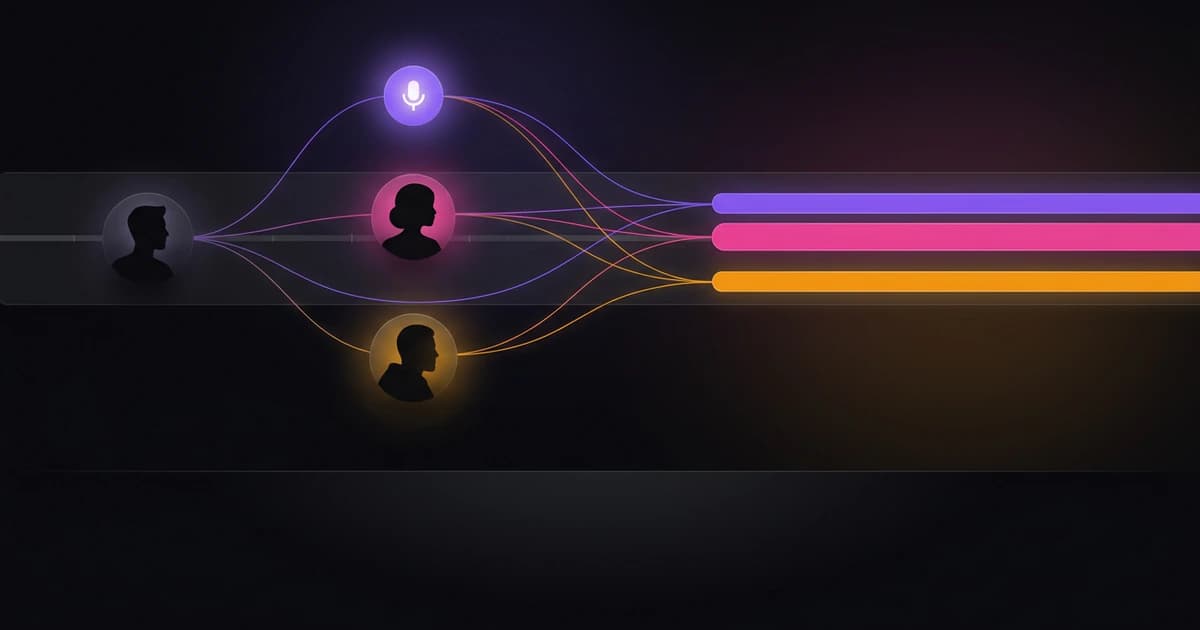
Integrating Wisprs with Your Workflow

Transcription API workflow — reference guide
A transcription API workflow is the set of steps and integrations you use to reliably convert audio or video into searchable, timestamped text at scale. In practice, that means moving from upload to processing, then receiving results via realtime streams or async webhooks, and finally exporting or storing transcripts. Choose realtime when you need low latency (live captions, assistants), and choose async or batch when files are long, numerous, or can tolerate delay. Wisprs supports each stage with multi‑engine routing (self‑hosted Whisper‑based models for free tier and ElevenLabs Scribe for paid plans), realtime WebSocket streaming, async webhook completion for long jobs, batch processing, and multiple export formats.
Why a solid workflow matters (cost, scale, accuracy)
A transcription API is only as useful as the workflow wrapped around it. Costs climb quickly when you retry blindly, reprocess large files, or choose realtime for jobs that could run async. Latency expectations also shape architecture; realtime pipelines demand streaming ingestion and partial results, while async pipelines favor queues and webhooks.
Accuracy is not just model quality. It depends on audio clarity, language, speaker overlap, and post-processing. Paid tiers often enable diarization and richer exports like word-level timestamps, which change downstream features such as captions, search, and analytics. A predictable workflow helps you control these tradeoffs, keep bills stable, and ensure transcripts arrive where your product expects them.
The end-to-end workflow (components and data flow)
A typical transcription API workflow moves through a few clear stages. First, you ingest audio (file upload or live stream). Next, you create a transcription job with options like language detection or diarization. The engine processes the audio, then notifies you through a stream (realtime) or a webhook (async). Finally, you fetch or receive results and store or export them in your preferred format.
- Ingest: file upload (single or batch) or live audio stream
- Job creation: select options (language auto-detect, diarization on paid plans)
- Processing: routed to the appropriate engine (free vs paid)
- Notification: realtime messages or webhook callbacks
- Retrieval: fetch transcript or receive payload
- Storage/export: TXT, SRT (free); TXT, SRT, VTT, DOCX, JSON (Pro+)
This structure stays consistent across providers. What varies is how you handle long files, concurrency, retries, and result formats.
Implementation patterns you can ship
Realtime (WebSocket) for low latency
Realtime is best when users expect immediate feedback, such as live captions, meeting assistants, or voice interfaces. You stream audio chunks over a WebSocket and receive incremental transcripts. The server can emit partial hypotheses and then final segments, often with timestamps.
In Wisprs, a realtime endpoint is available at /api/transcriptions/realtime. You maintain a persistent connection, send audio frames, and handle incoming messages that represent partial or finalized text. This model reduces perceived latency and avoids waiting for full-file completion.
- Open a WebSocket connection and authenticate
- Send audio frames in small, regular chunks
- Render partial transcripts; replace with final segments
- Handle reconnects and resume if the connection drops
Async with webhooks for long files
Async processing is the default for long recordings, especially beyond several minutes. You upload the file, start a job, and receive a webhook when processing completes. This avoids long-lived connections and scales better for large files or sporadic workloads.
On paid plans, long files may be processed with webhook callbacks when ready. Your system exposes a secure endpoint, validates signatures if provided, and updates job status in your database when the payload arrives. If your endpoint is temporarily unavailable, you should expect retries and design for idempotency.
- Upload file and create a job
- Store a client-side job ID mapped to your internal record
- Receive webhook with status and result payload
- Acknowledge quickly; process asynchronously on your side
Batch processing for many files
Batch workflows let you submit multiple files and process them in parallel, which is common for back catalogs or agency workloads. You track each file’s status and aggregate results as they complete. Studio, Agency, and Enterprise plans support batch upload and parallel processing.
Batch systems benefit from a small job scheduler that caps concurrency and applies backoff on failures. You also want a central status dashboard to track progress, failures, and retries.
- Group files into batches with a shared label
- Limit concurrency to control costs and queue times
- Poll or listen for per-file completion
- Aggregate results and trigger downstream steps
Hybrid approaches
Most production systems combine patterns. For example, you might use realtime for live captions, then run an async job afterward to produce a higher-quality transcript with diarization and full timestamps. Another hybrid is streaming ingestion that writes a rolling buffer to storage, then triggers an async job for the full recording when the session ends.
Hybrid designs let you optimize user experience and final output quality without duplicating infrastructure.
Concrete API examples (cURL, JSON, webhook, retries)
The exact parameter names can vary, but the shapes below reflect common patterns you can adapt. Keep your implementation conservative and verify fields against your provider’s docs.
Create a transcription job (file upload + options)
Example JSON response:
Webhook payload on completion
Minimal webhook handler (Node.js)
Retry handling (pseudocode)
Realtime WebSocket (conceptual)
These examples show the core interactions: create jobs, receive webhooks, ensure idempotency, and stream realtime updates. Adapt field names to your provider.
Choosing realtime vs async vs batch
The right pattern depends on latency, file length, concurrency, and features like diarization or word-level timestamps. Realtime prioritizes immediacy, while async and batch prioritize throughput and reliability.
- Use realtime when latency must be under a few seconds and users watch text as it appears
- Use async when files are long or uploads exceed several minutes
- Use batch when you have many files and can process in parallel
- Enable diarization only when you need speaker labels (paid plans)
- Prefer JSON exports when you need word-level timestamps (Pro+)
- Fall back to async for reliability if realtime connections are unstable
A simple rule helps: if the user is waiting on screen, stream; if not, queue it.
Operational concerns and best practices
Production workflows fail in predictable ways. Networks drop, webhooks retry, and long files exceed timeouts. You need guardrails that keep data consistent and costs controlled. Start by making every step idempotent and observable, then add retries with backoff and clear failure states.
Monitoring matters as much as code. Track job counts, average durations, error rates, and queue depth. Keep a way to cancel jobs and recover transcripts if a job stalls. Wisprs supports manual cancel, transcript recovery, and cleanup of stuck jobs, which helps you maintain a clean pipeline.
- Use idempotency keys for webhook and job processing
- Implement exponential backoff for retries
- Store job status transitions (queued → processing → completed/failed)
- Set timeouts and alert on long-running jobs
- Keep raw audio references to reprocess if needed
- Validate and secure webhook endpoints
Security and retention also deserve attention. Limit who can access transcripts, encrypt data in transit, and define retention windows that match your compliance needs. If you process sensitive audio, audit access and logs.
Examples and pitfalls you’ll actually hit
Long files introduce edge cases that short demos hide. Uploads can fail mid-transfer, and single jobs can run for extended periods. Chunking large files before upload can improve reliability, but you must reassemble or ensure the provider supports large uploads natively.
Parallelism in batch jobs is another common trap. If you open too many concurrent jobs, you can hit rate limits or spike costs. A small concurrency cap with a queue gives steadier throughput. Also note that free-tier exports may include a watermark, which can affect downstream use; paid plans remove it.
Language auto-detection is helpful, but it can misclassify short or noisy clips. When you know the language, set it explicitly to reduce errors. For speaker labels, remember that diarization is a paid-plan feature via ElevenLabs Scribe; free-tier processing focuses on speed and general accuracy without speaker separation.
How Wisprs maps to this workflow
Wisprs aligns closely with the patterns above, so you can implement without inventing glue code. Audio can be uploaded or streamed, jobs are routed to appropriate engines, and results arrive via realtime messages or webhooks. Paid plans add diarization, richer exports, and batch processing, while free tier offers a practical entry point with TXT and SRT outputs.
- Multi-engine routing: self-hosted Whisper-based models (free) and ElevenLabs Scribe (paid)
- Realtime WebSocket endpoint:
/api/transcriptions/realtime - Async webhooks for long files on paid plans
- Batch upload and parallel processing on higher tiers
- Language auto-detection across 100+ languages
- Export formats: TXT, SRT (free); TXT, SRT, VTT, DOCX, JSON (Pro+)
If you want to go deeper, review the API capabilities and access details at /features/api-access, which covers authentication, endpoints, and usage limits for programmatic transcription, monitoring, retries, and scaling.
FAQ (technical and product limits)
What is a transcription API workflow in one line?
It is the sequence of steps—upload, process, notify, and export—you use to convert audio into structured text reliably at scale.
When should I use realtime instead of async?
Use realtime for live captions or assistants where users expect immediate feedback. Use async for long files or when latency is not critical.
Do I get speaker labels by default?
No. Speaker identification (diarization) is available on paid plans via ElevenLabs Scribe. Free tier processing does not include diarization.
Can I get word-level timestamps?
Yes, typically in JSON exports on Pro and higher plans. These timestamps enable precise captions, search, and analytics.
What export formats are available?
Free plans support TXT and SRT. Paid plans add VTT, DOCX, and JSON for structured outputs.
How are long files handled?
Long files are usually processed asynchronously. You upload, create a job, and receive a webhook when the transcript is ready.
What happens if my webhook endpoint is down?
Providers typically retry delivery. Your handler should be idempotent and return non-2xx responses on failure to trigger retries.
Can I process many files at once?
Yes, with batch processing on higher-tier plans. Use concurrency limits and a queue to manage throughput and costs.
How accurate are transcripts?
Accuracy varies by audio quality, language, and engine. Wisprs follows a general policy of up to 99% accuracy on most content, but results depend on conditions.
Is there a way to fix or recover failed jobs?
You should implement retries and monitoring. Wisprs supports manual cancel, transcript recovery, and cleanup for stuck jobs.
Next steps
You now have a practical blueprint for a production-ready transcription API workflow, including realtime streaming, async webhooks, and batch processing. To implement with concrete endpoints and parameters, review the Wisprs API access page at /features/api-access, then test your flow with a small dataset before scaling.
If you’re evaluating costs and feature access, see the plans at /pricing. When you’re ready, start a free trial to validate your pipeline end to end, then enable paid features like diarization, JSON exports with word-level timestamps, and batch processing as your needs grow.
Related guides
Looking for more on related topics?